How to Register for E-Challan SMS Alerts in 2026 Complete Guide
Tracking traffic fines in Punjab has become much easier with the digital e-challan system. However, many drivers still miss their fine notifications because they don’t check the portal regularly or the physical letter gets lost in the mail. To fix this, the Punjab Safe Cities Authority (PSCA) offers a free service to receive e-challan SMS alerts directly on your phone.
In this article, we will guide you exactly how to sign up for these alerts so you never miss a notification again. You can check your E Challan by using your vehicle number.
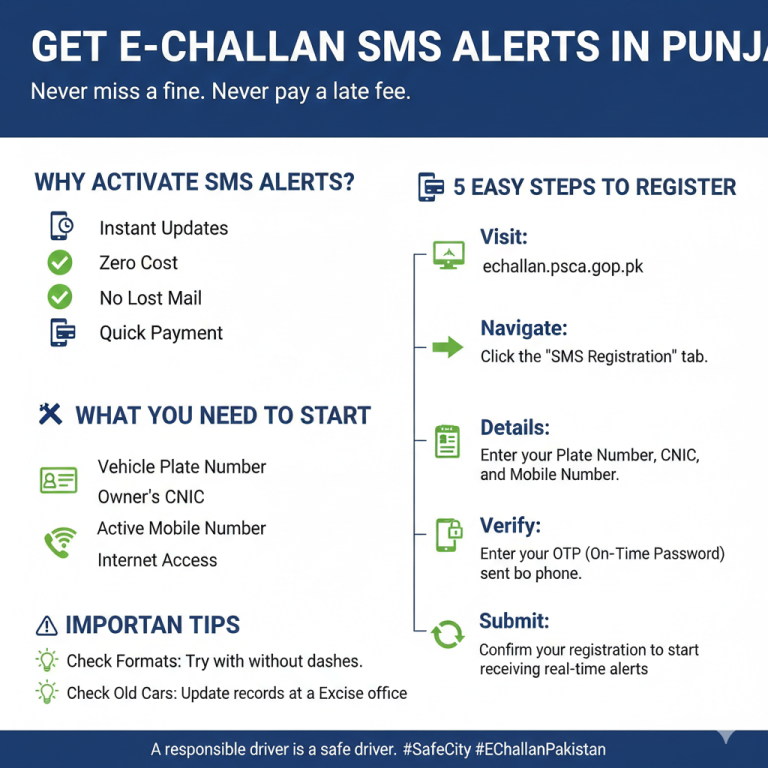
Why You Need SMS Alerts for Your Vehicle
Activating this service is one of the smartest things a vehicle owner can do. Here is why it is so important:
- Instant Updates: You get a text message the moment a camera records a violation.
- Save Money: By knowing about a fine early, you can pay it on time and avoid extra late fees.
- Peace of Mind: You don’t have to worry about letters getting lost or delayed by the post office.
- Better Safety: Regular reminders of your mistakes help you become a more disciplined and careful driver.
What Do You Need to Get Notifications?
Before you begin the registration process on the PSCA portal, make sure you have the following details ready:
- Vehicle Registration Number: (e.g., LEA 20 1234).
- Owner’s CNIC: The 13-digit ID number of the person the vehicle is registered to.
- Active Mobile Number: A working phone number that is preferably registered in your name.
- Internet Connection: You can do this from any smartphone or computer.
Also Read : How to Check Lahore E Challan online
How to Set Up SMS Alerts via PSCA Portal
Follow these easy steps to activate your notifications:
Step 1: Visit the Official Website
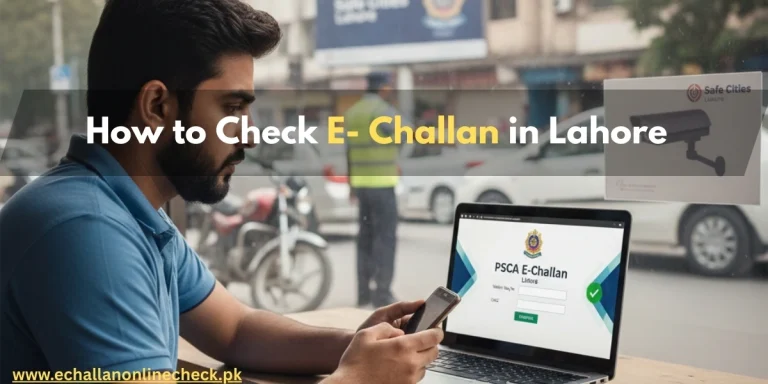
Go to the official psca e challan online check portal at https://echallan.psca.gop.pk/. This is the main hub for all traffic services in Punjab.
Step 2: Find the Registration Section
Look for a tab or button labeled “SMS Registration” or “Traffic Alerts.” This is where you can link your phone number to your vehicle’s record.
Step 3: Enter Your Vehicle Details
Input your vehicle’s plate number carefully. Ensure there are no extra spaces or wrong characters. You may also need to select your vehicle type (Car, Bike, or Commercial).
Step 4: Input CNIC and Phone Number
Enter the owner’s CNIC and the mobile number where you want to receive the alerts. Double-check the digits to ensure they are correct.
Step 5: Verification (OTP)
The system will send a One-Time Password (OTP) to your phone. Enter this code on the website to verify that the phone number is active and belongs to you.
Step 6: Final Submission
Once verified, click the submit button. You will receive a confirmation message stating that your e-challan SMS alerts are now active.
What Information Will You Receive in the SMS?
After activation, the system will automatically message you if a violation occurs. The text usually contains:
- The Date and Time of the incident.
- The Type of Violation (like speeding or signal jumping).
- The Challan Amount.
- A PSID Number for easy online payment.
Common Issues & Solutions
- Not Receiving SMS: Check if your mobile network is working or if you have blocked “Company” messages. You can try re-registering on the portal.
- Alerts for an Old Vehicle: If you receive alerts for a car you already sold, it means the buyer hasn’t transferred the vehicle. You should contact the Excise department to update the records.
- Cost: Many users ask if this service has a monthly fee. The answer is No. The PSCA provides these alerts completely free of cost.
Conclusion
Signing up for e-challan SMS alerts via the PSCA portal is a great way to stay organized. It keeps you informed, saves you from legal trouble, and helps you keep your driving record clean. The process is quick, free, and very beneficial for every driver in Punjab. Stay alert, follow the traffic rules, and keep your phone ready for updates.
Frequently Asked Questions (FAQs)
1. How do I do an e challan check by vehicle number?
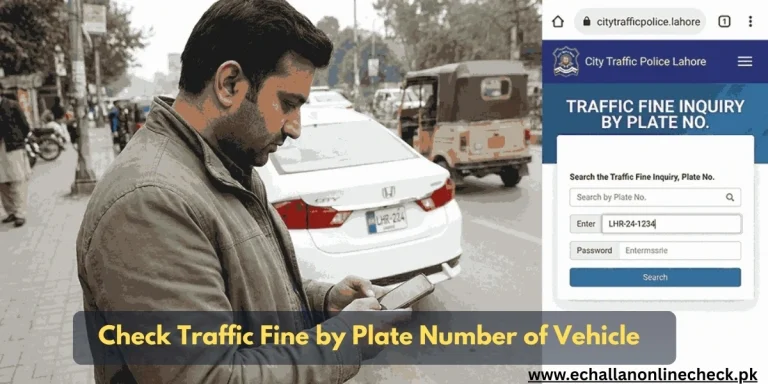
You can visit the PSCA website, enter your plate number and CNIC, and see all your pending and paid fines instantly.
2. Can I register two different phone numbers for one car?
Usually, the system only allows one primary mobile number to be linked to a single vehicle registration for alerts.
3. Will I get an SMS for old challans?
No, the SMS service usually starts for new violations that occur after you have successfully registered your number.
4. What if I change my mobile number?
You will need to visit the PSCA portal again and update your information to ensure the alerts are sent to your new number.

One Comment