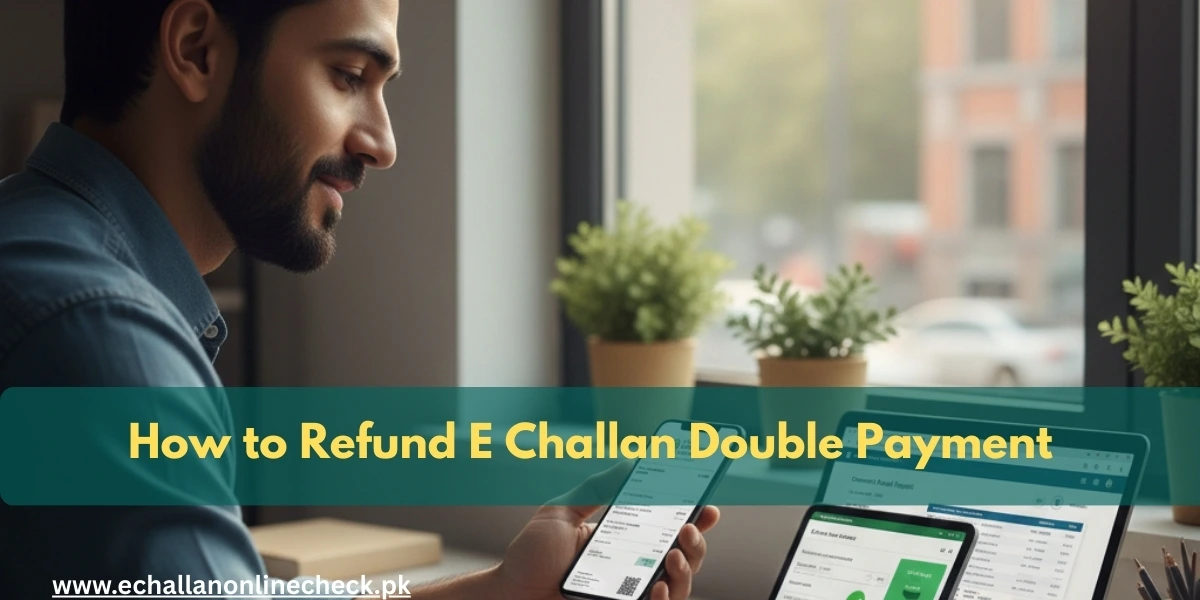
How to Claim E Challan Refund in case of Double Payment
Sometimes, technology can be a bit tricky. You might be trying to pay a traffic fine, and due to a slow internet connection or a mobile app glitch, you end up paying the same e-challan twice. While it feels frustrating to see double the amount deducted from your bank account, you don’t need to worry. The government has a specific process to help you get that extra payment back.
In this article, we will guide you through the simple steps to claim a refund and ensure your money returns to your pocket.
Why Do Double Payments Happen?
Most people don’t intend to pay twice. Usually, it happens because of:
- Connection Timeouts: You click “Pay,” the screen freezes, and you click it again.
- Missing Confirmations: You don’t get a “Success” message immediately, so you try a different app.
- Sync Delays: The psca e challan online check portal might take a few minutes to update from “Unpaid” to “Paid,” leading you to think the first attempt failed.
First Step: Verify the Double Payment
Before you start the refund process, you must be 100% sure that the money left your account twice for the exact same challan.
- Go to the official psca e challan portal.
- Enter your vehicle number.
- Look at the payment history section.
- If you see two different Transaction IDs for the same Challan Number, you have clear proof for a refund.
What You Need for the Refund Claim
To make the process smooth, gather these items first:
- Screenshots of Both Receipts: Make sure the Transaction IDs and dates are visible.
- Vehicle Details: Your registration number and the owner’s CNIC.
- Bank/Wallet Statement: A PDF or photo of your bank statement showing both deductions.
- The Challan Number: The specific 18-digit ID of the fine.
How to Apply for a Refund Online
The easiest way to get your money back is through the digital grievance system.
1. Visit the Help Desk
Go to the official portal where you performed your e challan check. Look for a section titled “Grievance,” “Contact Us,” or “Refund Request.”
2. Fill Out the Form
You will need to provide:
- Your contact information.
- Both transaction numbers.
- A brief explanation (e.g., “Paid twice due to app error”).
3. Upload Proof
Attach the screenshots of your receipts and your bank statement. Clear images help the officers verify your claim faster.
4. Save Your Complaint Number
After submitting, the system will give you a ticket or complaint number. Keep this safe so you can track the status of your money.
The Offline Method: Visiting the Office
If you prefer dealing with someone in person, or if the online portal isn’t working for you, you can visit a Traffic Police Facilitation Center or the Safe City Headquarters.
- Bring a written application explaining the double payment.
- Attach copies of your CNIC and both payment receipts.
- The officer will provide you with an acknowledgment slip.
How Long Does the Refund Take?
Refunds are not instant. Because the government has to verify the data with the bank, it usually takes:
- Mobile Wallets (Easypaisa/JazzCash): 7 to 10 working days.
- Bank Transfers/Credit Cards: 14 to 21 working days.
- Offline Applications: Up to 30 days.
Note: The money will always be sent back to the original source. For example, if you paid via Easypaisa, the refund will go back to your Easypaisa wallet.
Conclusion
Getting a refund for an e challan punjab payment is a straightforward process as long as you have your receipts. The key is to act quickly and provide clear evidence of the mistake. By following the steps above, you can resolve the issue without any stress. In the future, always wait a few minutes for a confirmation message before trying to pay a fine a second time.

One Comment