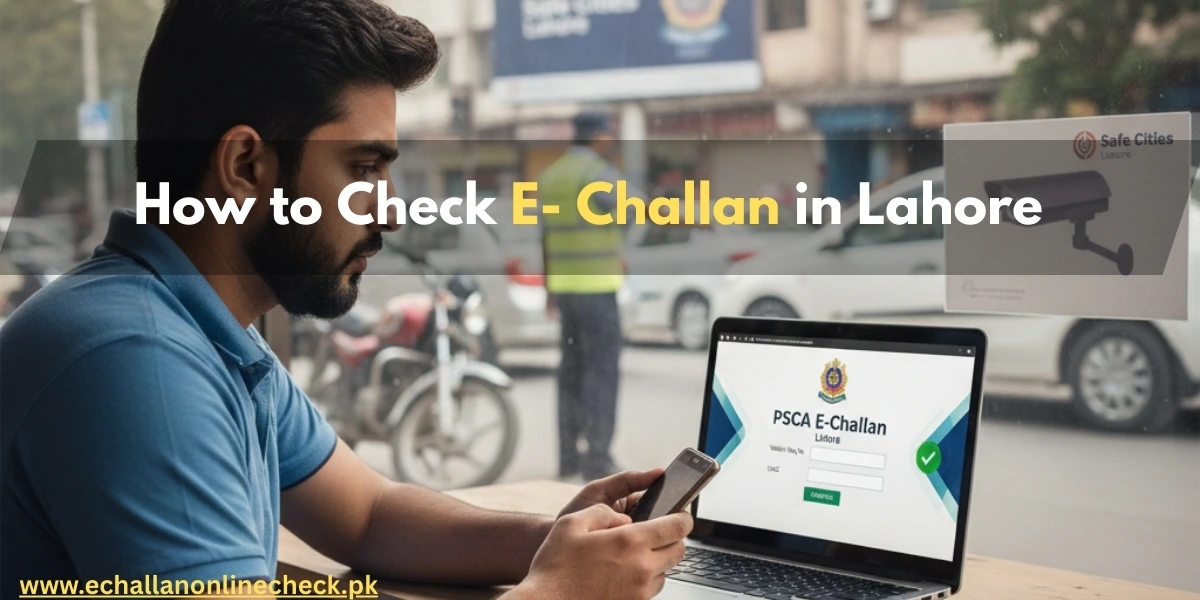
How to Check PSCA E-Challan Lahore Online Complete Guide 2026
Lahore is the heart of Punjab and the first city in Pakistan to fully adopt a “Smart City” monitoring system. If you drive in Lahore, you are likely under the watchful eyes of thousands of high-definition cameras managed by the Punjab Safe Cities Authority (PSCA). These cameras are designed to catch traffic violations instantly, but they also mean you might have a fine without even knowing it.
In this guide, we will explain exactly how to check psca e challan lahore so you can stay updated and avoid heavy penalties or vehicle blacklisting.
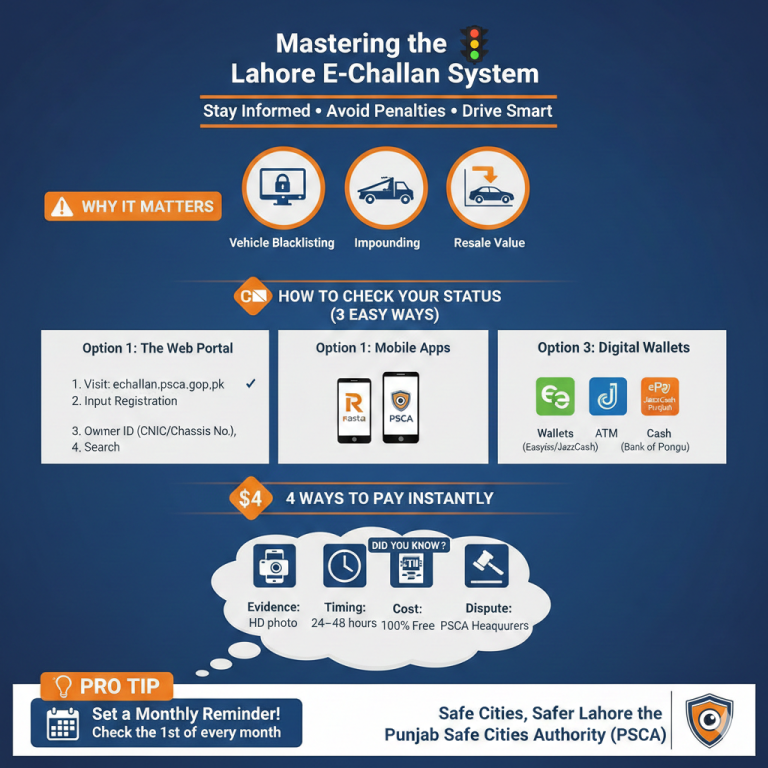
Why Should You Check Your E-Challan Regularly?
Many drivers don’t realize they have been fined until they try to sell their car or pay their annual token tax. The PSCA system is automated, meaning a ticket is generated the moment a violation is detected. If you don’t check and pay on time:
Checking your status online takes less than a minute and gives you peace of mind.
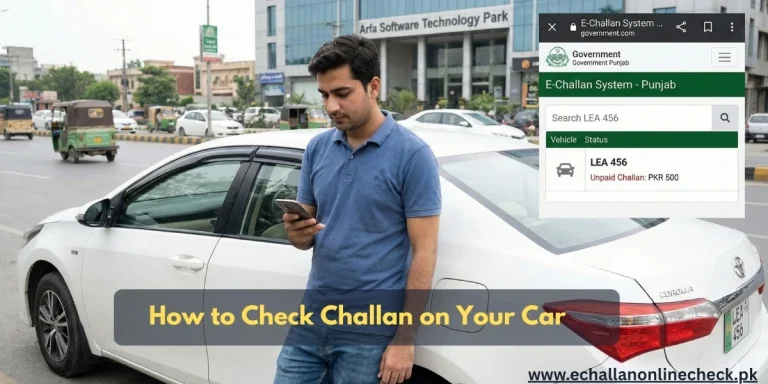
How to Check PSCA E-Challan Lahore
The official method to verify your traffic fines is through the PSCA web portal. Follow these simple steps:
1. Visit the Official PSCA Portal
Open your web browser and go to the official website: https://echallan.psca.gop.pk/. This is the centralized system for all electronic challans in Lahore and other Punjab cities.
2. Enter Your Vehicle Plate Number
In the first box, enter your vehicle registration number.
- Correct Format: Use the format shown on your plate, such as LEA 20 1234 or LE-1234. Avoid adding extra dashes unless the system asks for them.
3. Provide Owner’s CNIC or Chassis Number
To protect your privacy, you must provide the 13-digit CNIC of the vehicle owner (without dashes). If you don’t have the CNIC handy, you can also use the Chassis Number found in your vehicle’s registration book.
4. Verify the Captcha
Tick the “I’m not a robot” box. This is a security step to prevent automated bots from accessing the data.
5. Click Search
Once you hit the search button, the system will display a list of all pending and paid challans. You can see the date, time, and the specific nature of the violation (e.g., over-speeding or red light jumping).
How to Check E-Challan via Mobile App
If you prefer using your smartphone, you can use the PSCA Public Safety App or the Rasta App.
- Download the App: Available on both Google Play Store and Apple App Store.
- Select E-Challan: Look for the “E-Challan” or “Traffic Services” section.
- Input Details: Just like the website, enter your vehicle number and CNIC. The app is very useful because it also provides real-time traffic updates and allows you to apply for a learner’s license.
How to Download and Print Your E-Challan Slip
If you find a pending fine, you should download the slip for your records or for offline payment.
- On the search results page, click on the “View” or “Print” button next to the specific challan.
- A PDF version of the challan will open, showing a picture of your vehicle captured by the camera.
- Save the PDF to your phone or print it out if you plan to pay at a bank branch.
Quick Payment Options
Once you know the amount, paying it is very easy. You can use:
- ePay Punjab App: The most recommended method for instant clearance.
- Mobile Wallets: Use the “Government Payments” section in Easypaisa or JazzCash.
- ATMs: Visit any 1Link ATM and select “Taxes” or “GoPb” to pay using your PSID.
- Banks: You can pay in cash at any branch of the Bank of Punjab (BOP).
Conclusion
Knowing how to check psca e challan lahore is an essential skill for every driver in the city. By staying proactive and checking your status at least once a month, you can ensure that a small mistake doesn’t turn into a major legal headache. Remember, the goal of the Safe City project is to make Lahore’s roads safer for everyone so follow the rules and drive responsibly.
Frequently Asked Questions (FAQs)
1. Can I check my challan by just my name?
No, you must have the vehicle registration number and the owner’s CNIC or Chassis Number to access the records.
2. Is the online check free?
Yes, checking your e-challan status on the official PSCA website or through the Rasta App is completely free of charge.
3. What if the picture on the challan is not of my car?
If you believe a mistake has been made, you can visit the PSCA Headquarters at Qurban Lines, Lahore, to file a grievance and have the record reviewed.
4. How long does it take for a challan to appear online?
Usually, an e-challan appears in the system within 24 to 48 hours of the violation being recorded by the camera.

One Comment