
How to Check E-Challan by Vehicle Number | Complete Guide 2026
With the rapid digitization of traffic systems in Pakistan, the traditional paper slips left under windshield wipers are becoming a thing of the past. Today, the e challan check by vehicle number is the standard way to monitor your traffic fines. Whether you are driving in Lahore, Islamabad, or Karachi, knowing how to verify your vehicle’s status digitally is essential for every driver.
In this guide, we will break down the process of checking your traffic tickets using only your registration number and why this small habit can save you from big legal troubles. Check your E Challan online in Lahore if you are living in city of flowers.
Why Is the Vehicle Number the Key to Your E-Challan?
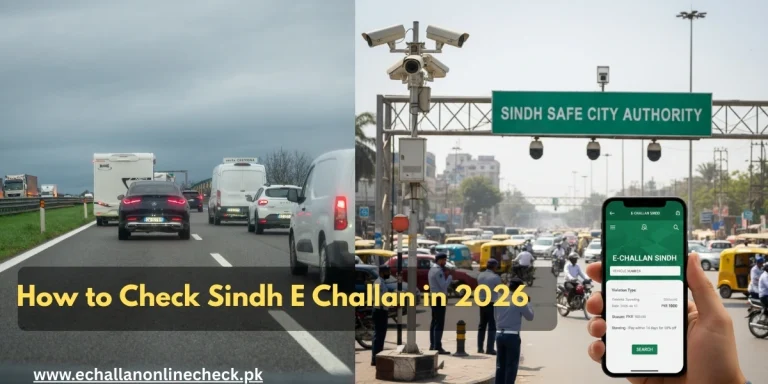
The Punjab Safe City e challan system, and similar systems in other provinces, works by linking high-definition cameras to a central database. When a camera captures a violation, it uses Automatic Number Plate Recognition (ANPR) technology to read your plate.
Because the fine is attached to the vehicle rather than the driver’s face, your registration number is the primary way the system identifies who owes the fine. Regularly performing an e challan check by vehicle number ensures that you are aware of any tickets issued to your car, bike, or truck, even if you weren’t the one driving at the time.
How to Perform an E-Challan Check by Vehicle Number
Checking your fines is a straightforward process that takes less than two minutes. Follow these simple steps to stay updated:
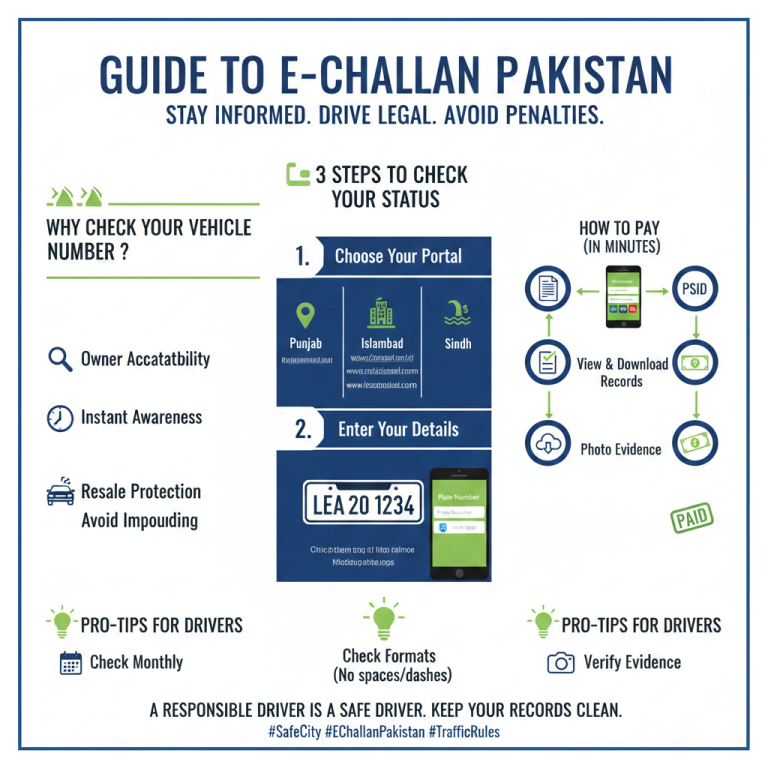
1. Identify Your Official Portal
Each province or major territory has its own specific portal.
- For Punjab (Lahore, Multan, etc.): Visit echallan.psca.gop.pk.
- For Islamabad: Visit the Islamabad Traffic Police (ITP) website.
- For Sindh (Karachi): Use the Sindh Traffic Police verification portal.
2. Enter the Registration Number Correctly
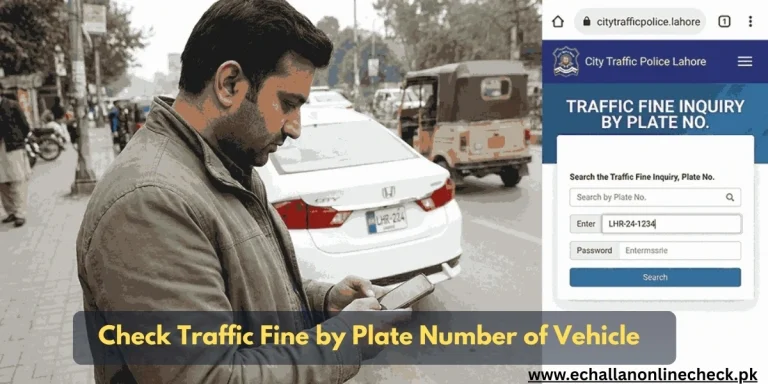
When you arrive at the e challan check section, you will see a field for your plate number. It is vital to enter it in the correct format.
- Standard Format: LEA 20 1234
- Older Format: LHR 1234
- Pro Tip: If the system says “Record Not Found,” try entering the number without spaces or with a dash (e.g., LEA-20-1234).
3. Provide Supporting Information
Most portals, like the PSCA e challan online check, will ask for a second detail to verify ownership and protect privacy. This is usually either the 13-digit CNIC of the owner or the Chassis Number of the vehicle.
4. Search and Download
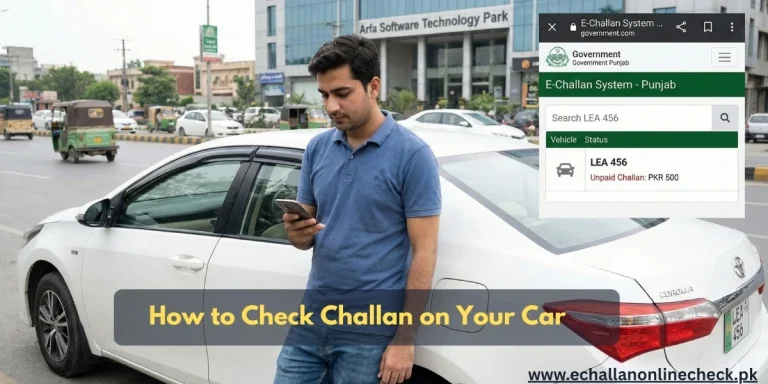
Click the search button. The system will display all “Unpaid” and “Paid” challans. You can usually click on each record to see the specific violation, the location, and even a photo of the vehicle during the incident.
The Benefits of Using Online Verification
Using the e-challan online check punjab or regional portals offers several advantages over waiting for a physical letter:
- Instant Awareness: Cameras generate tickets within 24-48 hours. You can see them online long before a letter arrives at your house.
- Accuracy: You can verify the photo evidence. If the plate was misread, you can dispute it immediately.
- Avoid Impounding: Police pickets in cities like Lahore now use mobile devices to check your vehicle number. If you have unpaid fines, they can impound your car on the spot.
Smooth Resale: If you are buying a used car, always perform an e challan check by vehicle number to ensure the seller has cleared all previous fines.
What to Do If You Find a Pending Fine?
Once you have identified a fine through your psca e challan search, you should pay it immediately to avoid a “Blacklisted” status.
- Note the PSID: Every challan has a unique 18-digit Payment Search ID (PSID).
- Use Digital Apps: Open Easypaisa, JazzCash, or your bank’s mobile app.
- Select Government Payments: Look for “Punjab Traffic Challan” or the relevant provincial tax section.
- Pay and Save: Once paid, the status on the portal will update from “Unpaid” to “Paid” within a few hours.
Conclusion
Mastering the e challan check by vehicle number is a small but vital part of being a responsible citizen in modern Pakistan. It ensures that you stay on the right side of the law, avoid unnecessary late fees, and keep your vehicle’s record clean. Make it a habit to check your vehicle number at least once a month , it only takes a minute, but it can save you hours of frustration at a police picket or the Excise office.
Frequently Asked Questions (FAQs)
1. Can I check a challan by plate number alone?
In most cases, no. For security reasons, you also need the CNIC of the owner or the Chassis Number to see the full details.
2. Does the vehicle number check work for all cities?
The e challan punjab portal covers most major cities like Lahore, Multan, and Faisalabad. However, cities like Karachi and Islamabad have their own separate websites.
3. Why is my vehicle number showing “No Record” even though I got a text?
Sometimes there is a delay in the database sync. Wait 24 hours and try again, ensuring you are using the correct plate format (spacing and dashes).
4. Can I pay my challan using only my vehicle number?
No, you need the PSID (Challan Number) found on the digital slip to make a payment through apps like Easypaisa or ATM.

2 Comments